
A Gacha Life fan mod
ChibiChu
Make every character your own.
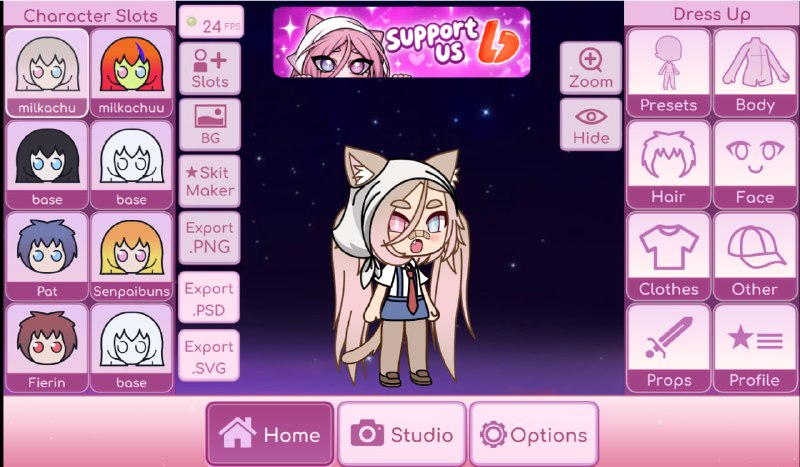
Build a new look, pose it your way, and export your character for your next Gacha edit.
Release links open the creator’s Telegram channel.
More Gacha games
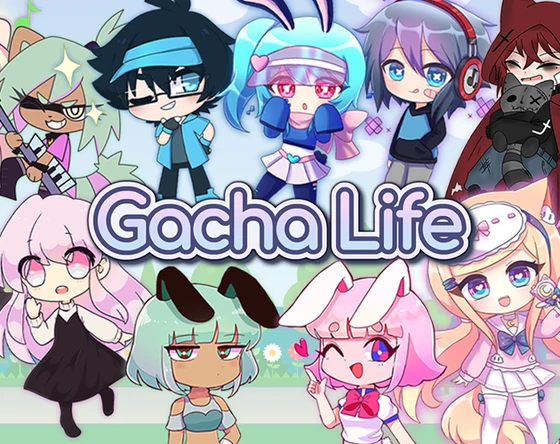 Gacha Life
 Gacha Club
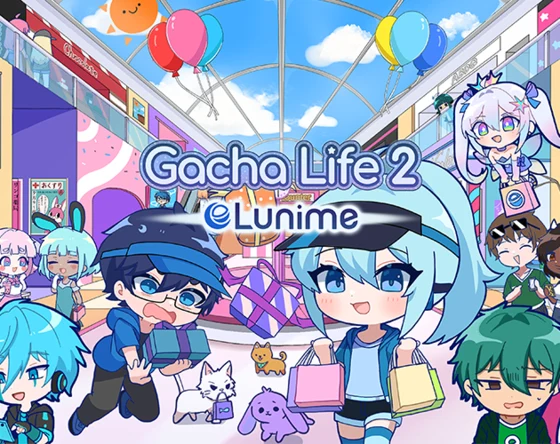 Gacha Life 2
ChibiChu in motion
The character editor
Inside ChibiChu
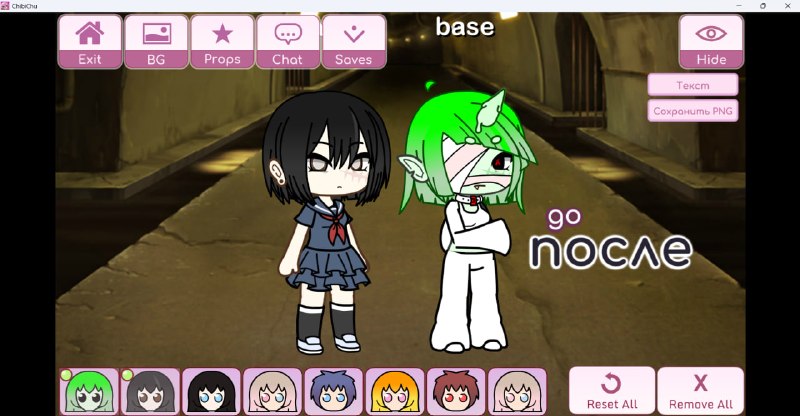
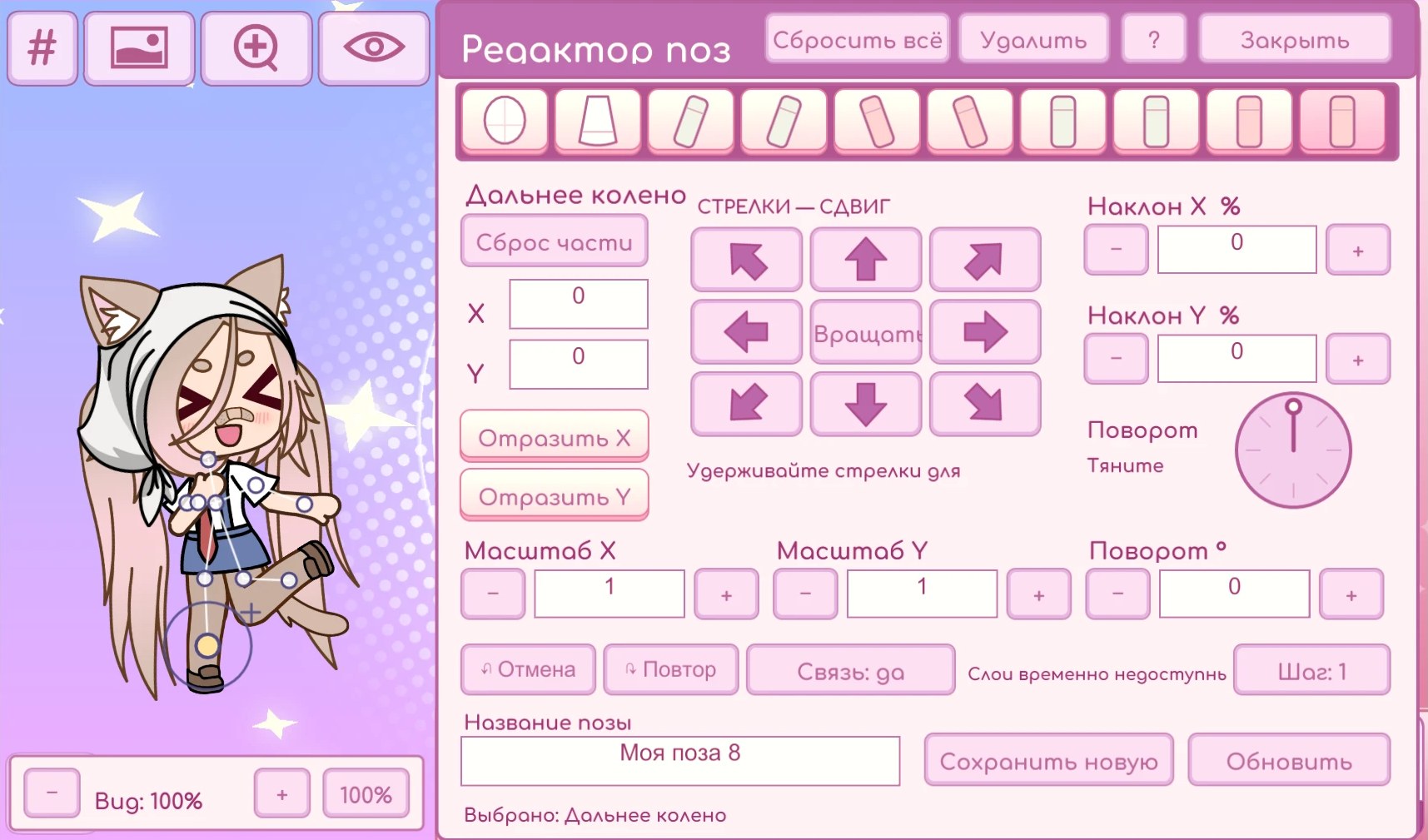
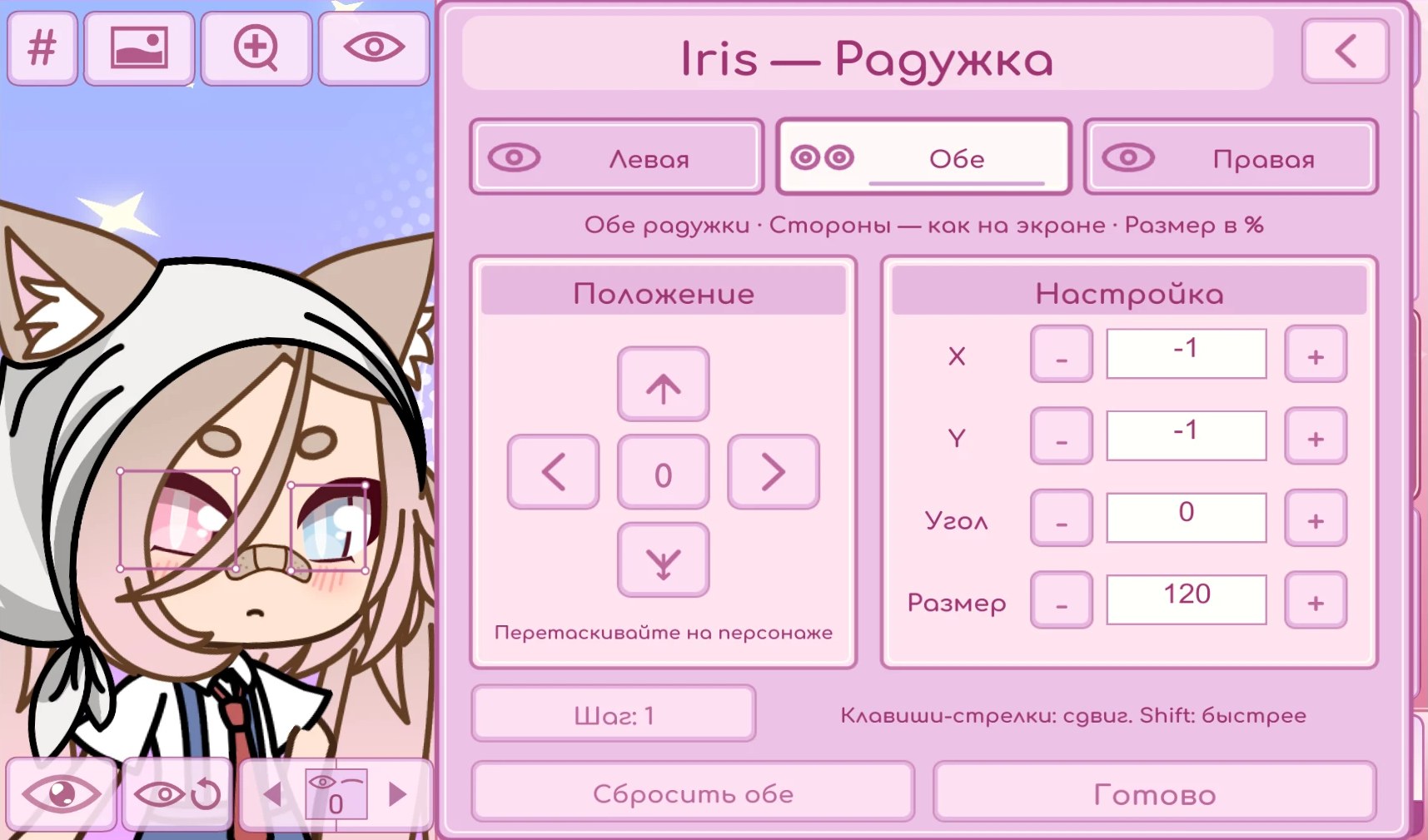
Open a screenshot to see the full image.
Quick start
From preset
to original.
ChibiChu Mode, created by milkachuu with help from Gelu Gacha, expands the Gacha Life character editor with pose tools, color controls, and more ways to export your work.
- Install from the release post
On Windows, extract the archive before opening ChibiChu.exe. On Android, follow the instructions in the creator’s release post.
- Choose a character slot
Use a mouse on PC or tap on Android to select a slot, then edit the hair, outfit, face, and accessories.
- Pose and export
Open the pose editor to position the body. Export to PNG for a flat image or PSD to continue working with layers.
Frequently asked questions
Can I play ChibiChu in my browser?
This guide links to the downloadable releases for Android and Windows. The creator’s release channel lists supported versions.
What about iPhone and iPad?
Check the creator’s download section for current iOS information. Android APKs are for Android devices.
Can I share a character with friends?
Use the character code export to share an editable character. If you only need a picture for an edit, export a PNG.